Four steps. One of them costs you time.
eMazeBrain is designed around a simple constraint: nothing about it may eat into a billable session. The child does the training. The platform composes the program and counts what happened. You make the clinical decisions, on your own schedule.
Step one
The child completes a digital assessment
You prescribe eMazeBrain the way you would prescribe any component of a program. The family receives access, and at first login the child works through a structured questionnaire — at home, on their own time.
The questions are practical rather than abstract. When presented with a simple arithmetic problem, how do you solve it — in your head, with pen and paper, or always with a calculator? The pattern of answers surfaces where processing is effortful and where it is automatic, and that is what the program gets built from.
Zero minutes of your session
The assessment runs outside your appointment entirely. You see the result when it is done.
Step two
The program builds itself — then you approve it
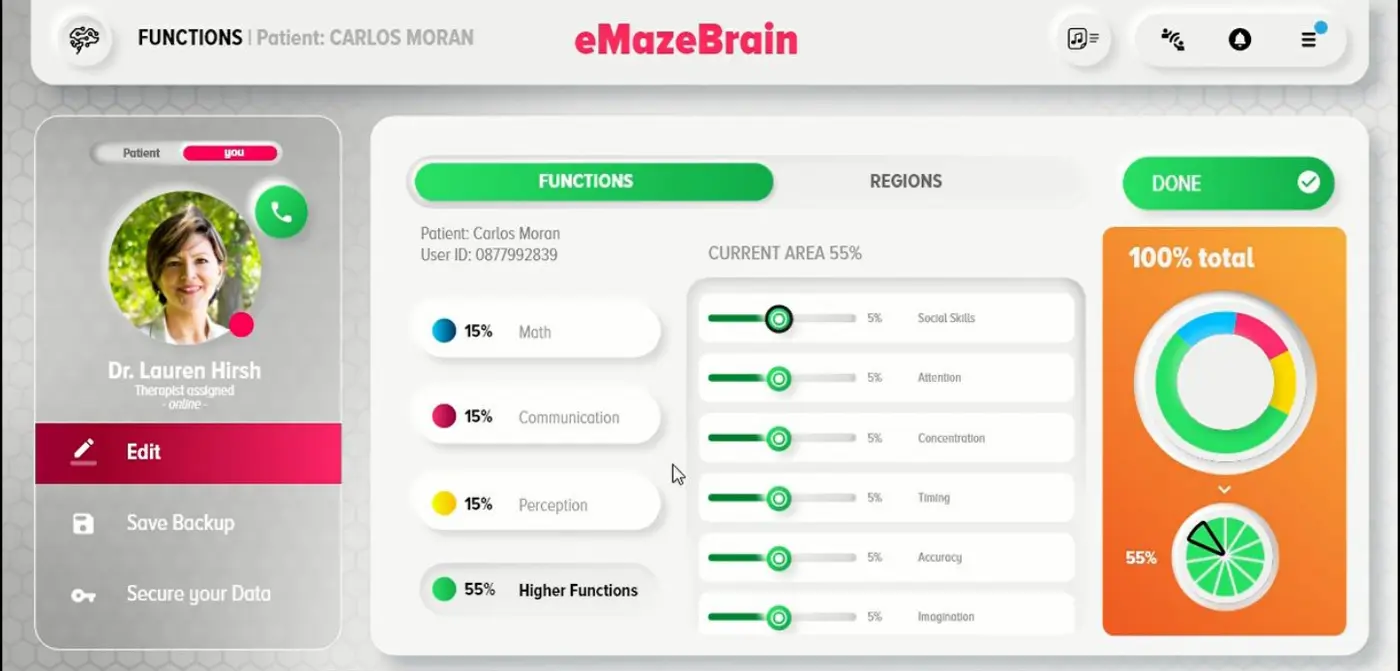
Our algorithm reads the assessment and composes a daily training program from the games library, weighting it towards the functions that came back weakest and balancing it so the child is not doing the same thing every day for six weeks.
This is the part that would otherwise take you forty minutes of clinical judgement per child, and it is the part every other platform in this category leaves you to do by hand. But nothing reaches the child until you have looked at it. The algorithm proposes. You dispose.
- Function weighting derived from the assessment, not from a template
- Adjust any allocation before it goes live, or override the whole thing
- Rebuilds as the child progresses, always subject to your approval


Step three
The child trains daily, at home or in your clinic
Short sessions, at the duration and frequency you set. The child opens a game. Everything clinical happens underneath — the dosing, the targeting, the measurement.
Whether the training happens on your premises or at the kitchen table is a billing decision, not a technical one. Both are supported, both are measured identically, and a child can move between them without losing history.
Why the game matters clinically
A home program a child resists is a home program that does not happen — and a home program that does not happen is indistinguishable from no program at all. Engagement is not decoration here. It is the delivery mechanism.
Step four
You review, and you tune
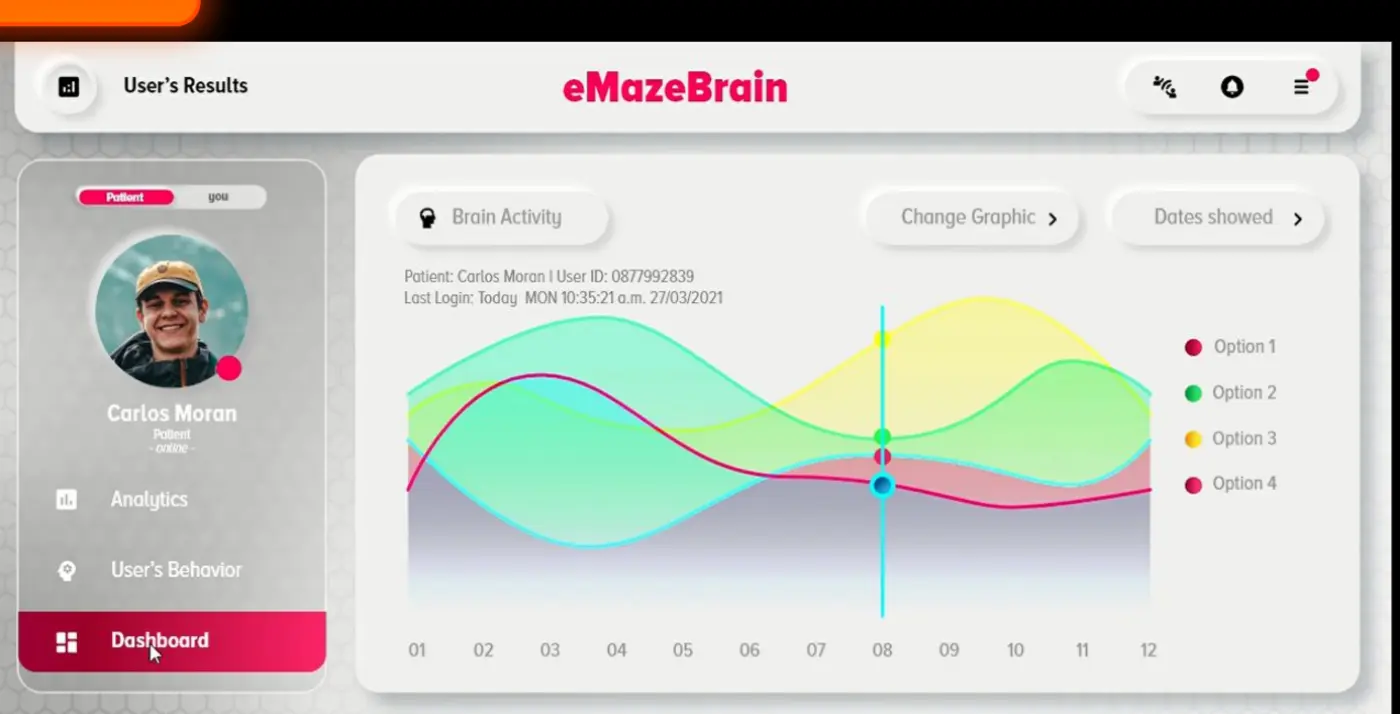
This is the step that makes the other three worth doing. Open your patient list and the state of every child on program is one screen: sessions completed against sessions prescribed, performance, and which direction it is moving.
When something needs to change, you change it from where you are. Intensity up because the child has plateaued. Duration down because the family is struggling to fit it in. Frequency from five days to three during exam season. Target allocation shifted towards timing because that is what the last four weeks say.
See the reporting in detail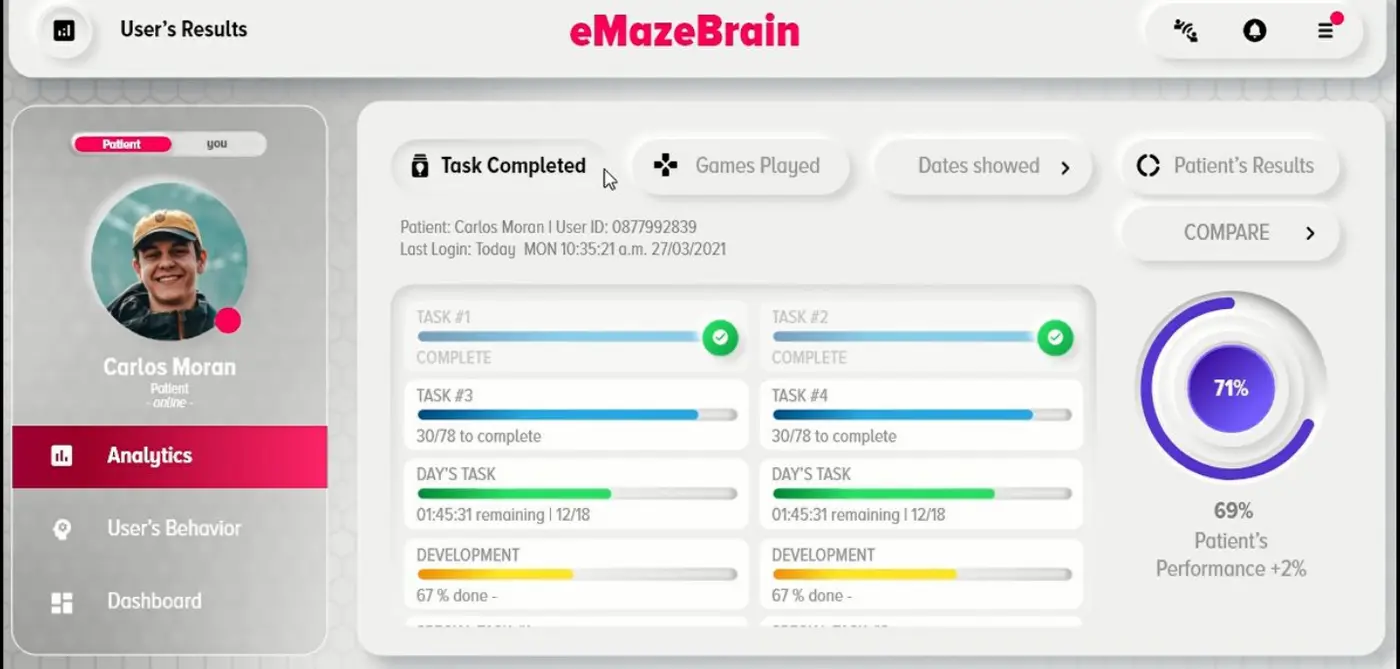
Realistically
What this actually costs you in a week
We would rather tell you the true numbers now than have you discover them in month two.
to review and approve a new patient's program. Once, at the start.
of billable session time. The assessment and the training both run outside your appointment.
for a weekly pass across a full caseload — most providers do it once, on the same day each week.
from opening an account to a first patient assessed. No install, no hardware, no migration.
Figures describe typical use of the platform's workflow, not clinical outcomes.
Getting started
Onboarding is a conversation, not a project
A live walkthrough
Screen-shared, with a clinician rather than a sales engineer. Bring a real patient you are stuck on and we will build their program during the call.
Training included — permanently
For your current staff and for anyone you hire later. Clinic turnover should not turn onboarding into a recurring cost line.
Nothing to install
It runs in a browser, alongside whatever you already use. No EMR integration to configure and nothing for your IT provider to approve.
See it running against your own caseload.
Twenty minutes, screen-shared, with a clinician who treats these children every week. Bring one patient you're stuck on and we'll build the program live.
Or email drhish@emazelabs.com · WhatsApp +972 50 834 2448