A clinical instrument that happens to contain games.
Six parts, one loop. The assessment tells you where the child is. The program builder turns that into daily work. The controls let you dose it. The monitoring tells you what happened. The library keeps the child coming back. And the whole thing runs from wherever you are.
Assessment
A starting point that isn't a guess
Every child arrives with a diagnosis and a folder, and neither tells you what to have them do on Tuesday evening. The eMazeBrain assessment is built to answer that narrower question: which processing is effortful, which is automatic, and where is the leverage.
- Completed by the child at first login, at home, outside your session
- Practical, behavioural questions rather than abstract self-rating
- Feeds the program builder directly — no manual transcription step
- Re-run over time so change is measured against the same instrument
To be precise about what this is: the assessment is a program-design instrument, not a diagnostic one. It does not diagnose autism, ADHD or a learning disability, and it is not a substitute for your clinical evaluation. It tells the platform what to build.
Program builder
The forty minutes of program design you don't have
Composing a balanced daily program by hand — the right functions, the right variety, the right progression, for this particular child — is real clinical work, and it is the work that quietly does not get done when your diary is full.
Our algorithm does the composing. It weights the program towards the functions the assessment surfaced, varies the work so a child is not repeating the same task for six weeks, and rebuilds as performance changes. Every version waits for your approval before it reaches the child.
You can override anything
Change any allocation, swap games, or design the whole program by hand if that is how you work.
It explains itself
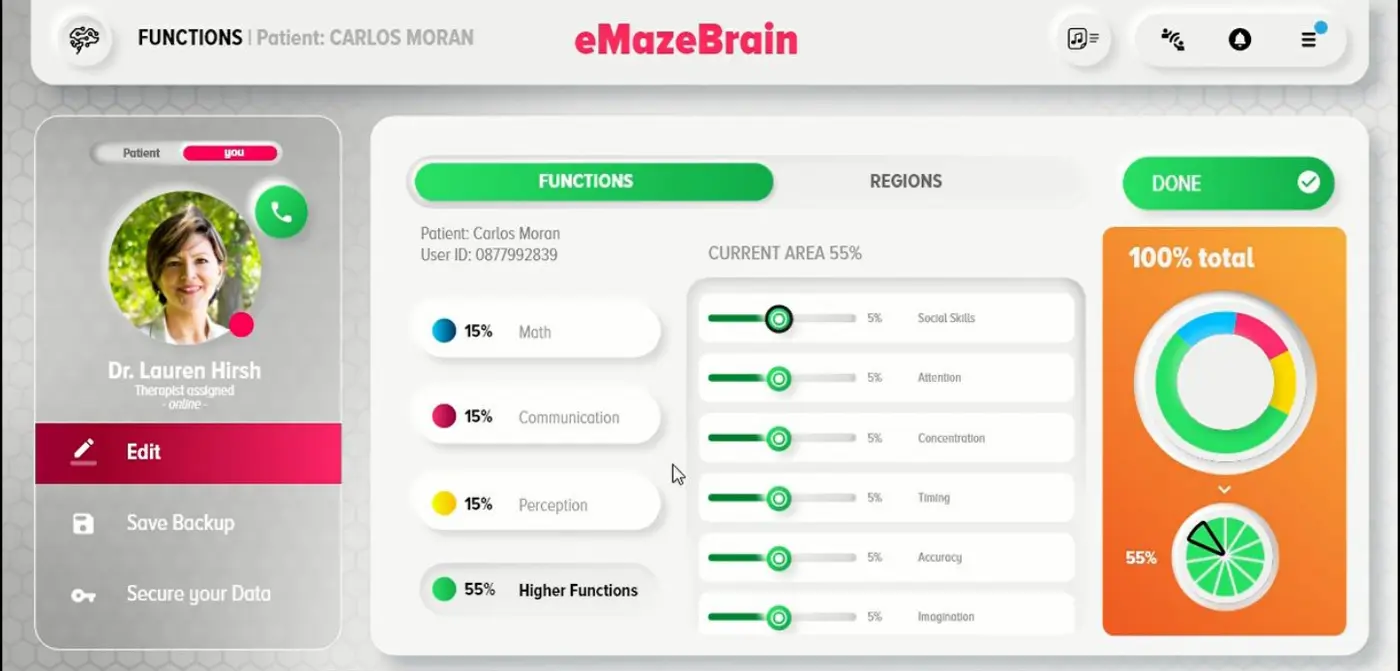
Every allocation is visible as a percentage, so you can see why the program looks the way it does.
Clinical controls
Dosing, in the vocabulary you already use
Intensity, duration, frequency. The same three variables you would set for any home program, except that here they are enforced, recorded and adjustable from anywhere.
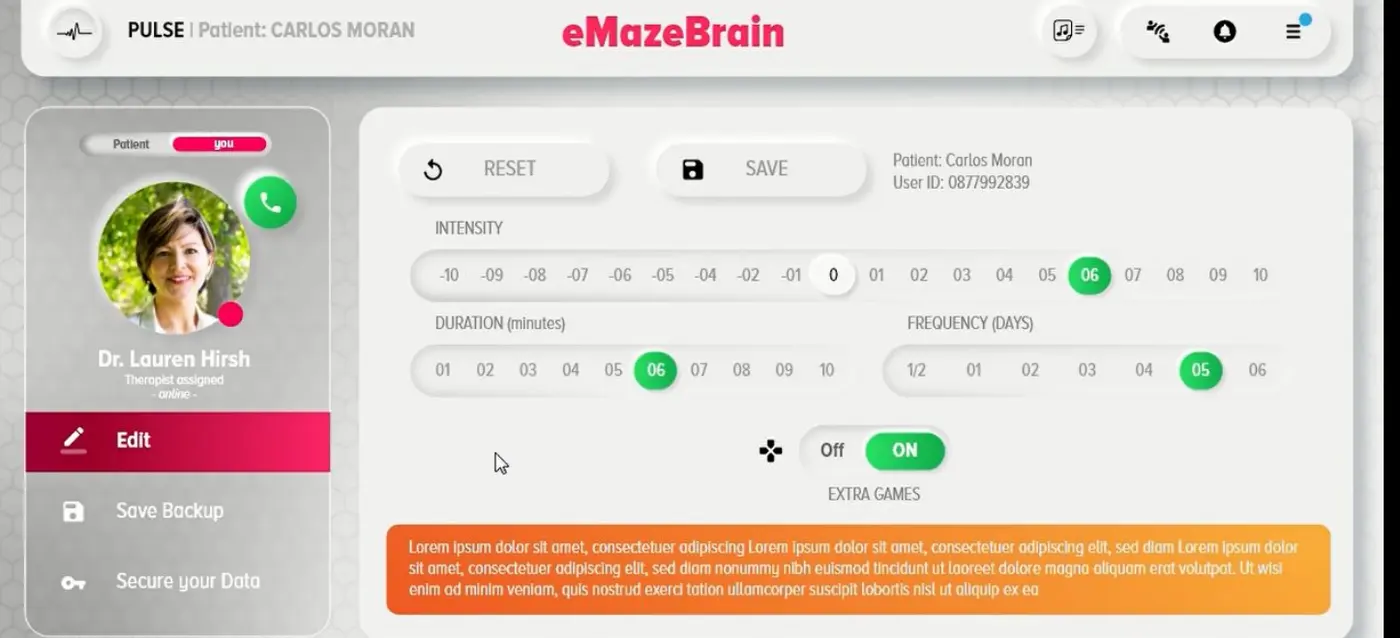
Intensity, −10 to +10
Turn the difficulty of the whole program up or down without rebuilding it. Useful when a child has had a hard week, or when they have clearly outgrown where you set them.
Duration and frequency
Minutes per session and days per week, set per patient. A family that can manage ten minutes five times a week is a better program than twenty minutes twice.
Functions and regions
Weight the program across maths, communication, perception and higher functions — or work at the level of attention, concentration, timing, accuracy, social skills and imagination. Target regions when the anatomy is what you are after.
Notes and reminders
Per patient, so your weekly review starts where the last one ended rather than from memory.
Extra games
Open up additional content for children who want more, or keep the program tightly bounded for children who need less choice.
Backups and data control
Save program states before you change them, and export a patient's data whenever you need it.
Monitoring & reports
Adherence first, because that is what fails first
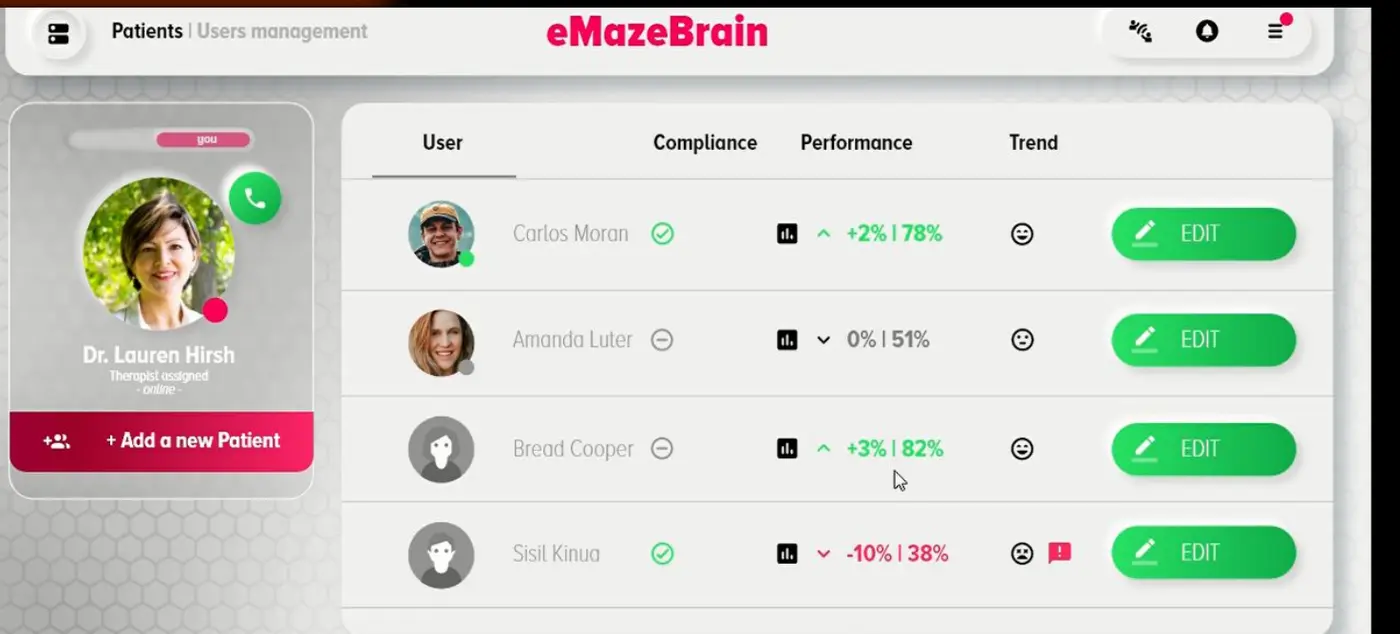
Most reporting in this category starts with performance. We start with whether the child turned up, because a performance number computed over two sessions instead of five is not a clinical signal — it is noise that looks like one.
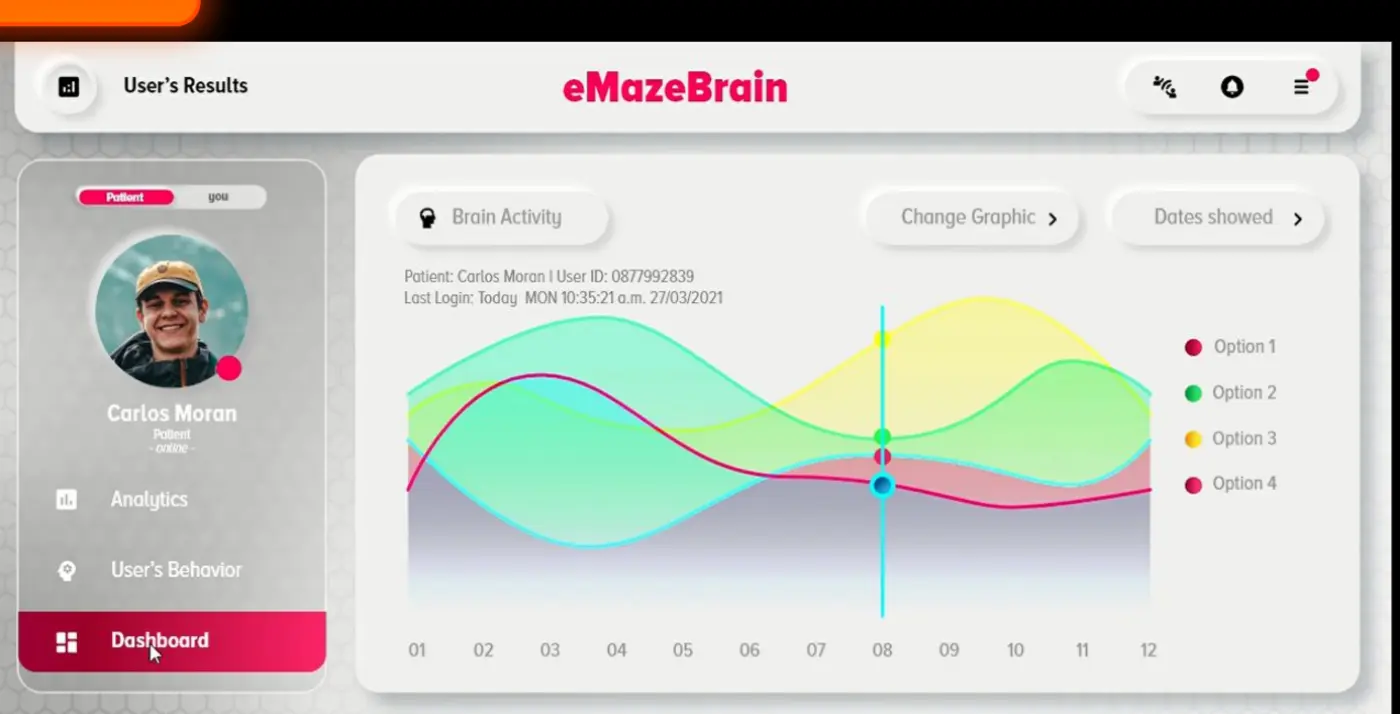
- Compliance — sessions completed against sessions prescribed
- Performance — where the child is now, as a single figure and as a curve
- Trend — direction and magnitude, week on week
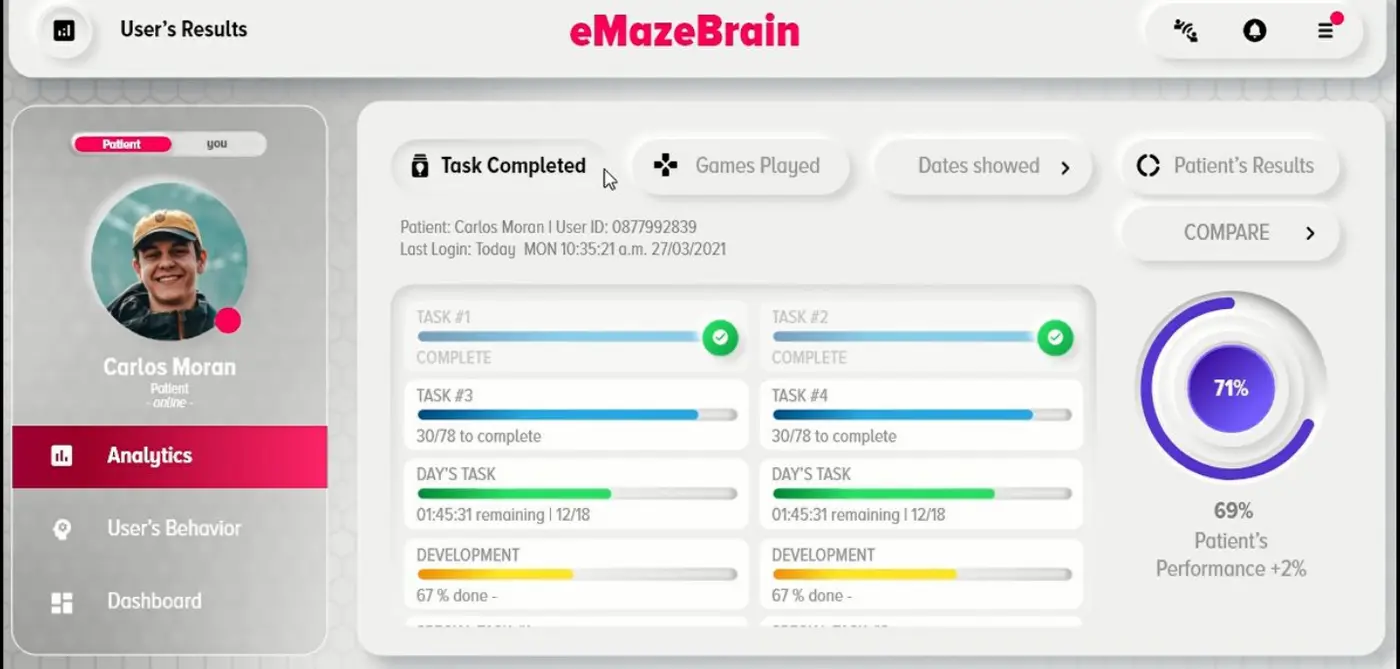
- Detail on demand — by task, by game, by date range
- Comparison — a patient against their own history
- Export — progress summaries you can attach to a note or hand to a parent
Games library
Thirty-plus games, each mapped to something you care about
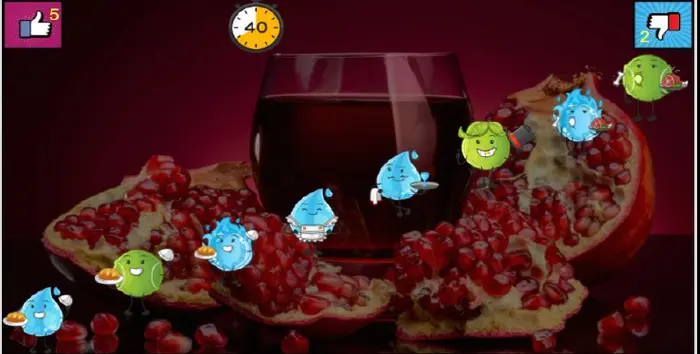
Arithmetic fluency. Timing. Response inhibition. Visual attention. Working memory. Processing speed. To the child these are games with animals and fruit and a stop sign. To the platform each one is an instrument with a known target and a measurable output.
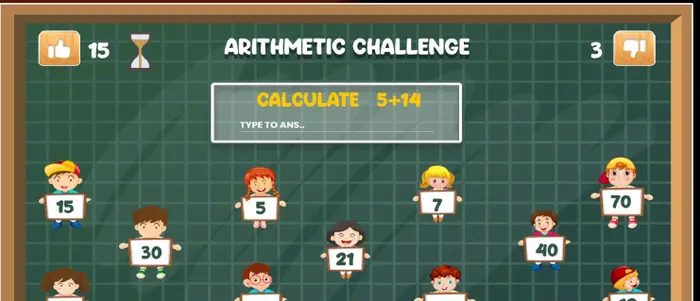
Arithmetic Challenge
Calculation fluency, working memory, processing speed
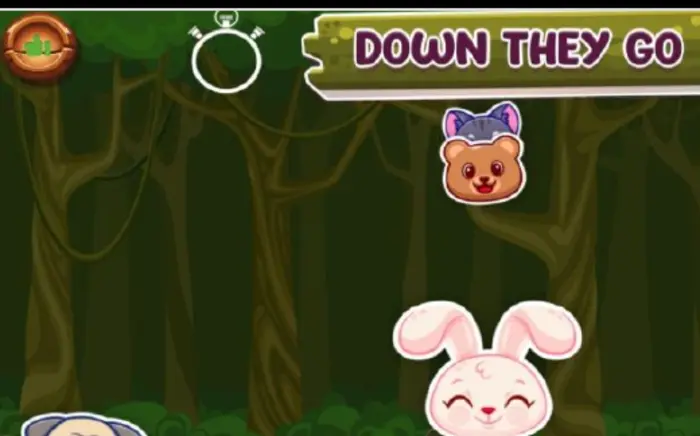
Down They Go
Sustained attention, tracking, timing
Target & timing games
Accuracy, hand–eye coordination, reaction time

In My Skin
Perception, discrimination, response inhibition
New games are added regularly and become available to every account. Which games a given child sees is determined by their program, not by their preference.
Telehealth
Your caseload is no longer bounded by your postcode
Because the training runs wherever the child is and the monitoring runs wherever you are, the geography stops mattering. Providers on the platform work with children in other cities, other states and other countries simultaneously.
For families this is often the difference between care and no care at all: the waiting list for a paediatric specialist is measured in months, and the nearest one may be a three-hour drive. For a clinic it is a way to keep serving a family that moves away, and to grow without opening a second location.
Practise within your licence. Telehealth across state or national borders is governed by where your patient is, not where you are. eMazeBrain gives you the reach; the scope of your licence still decides who you may treat.
Any location
The child trains at home. You review from anywhere with a browser.
More children per provider
Monitoring a caseload asynchronously takes a fraction of the time that seeing it does.
Continuity
A family that relocates keeps their program, their history and you.
No scheduling
Asynchronous by design. No video appointment to coordinate across time zones.
See it running against your own caseload.
Twenty minutes, screen-shared, with a clinician who treats these children every week. Bring one patient you're stuck on and we'll build the program live.
Or email drhish@emazelabs.com · WhatsApp +972 50 834 2448